> ## Documentation Index
> Fetch the complete documentation index at: https://openmetadata-docs-release-watchers.mintlify.site/llms.txt
> Use this file to discover all available pages before exploring further.
# Login Configuration
> Configure the failed login lockout threshold and JWT session expiry.
# Login Configuration
Login Configuration protects your instance against repeated failed sign-in attempts and controls how long a signed-in session stays valid. Use it to decide:
* How many wrong passwords an account tolerates before it's temporarily locked out
* How long that lockout lasts
* How often a signed-in user is asked to sign in again
Getting this right matters for security (too lenient invites brute-force attempts) and for user experience (too strict logs people out constantly).
To configure Login Configuration, follow the steps below:
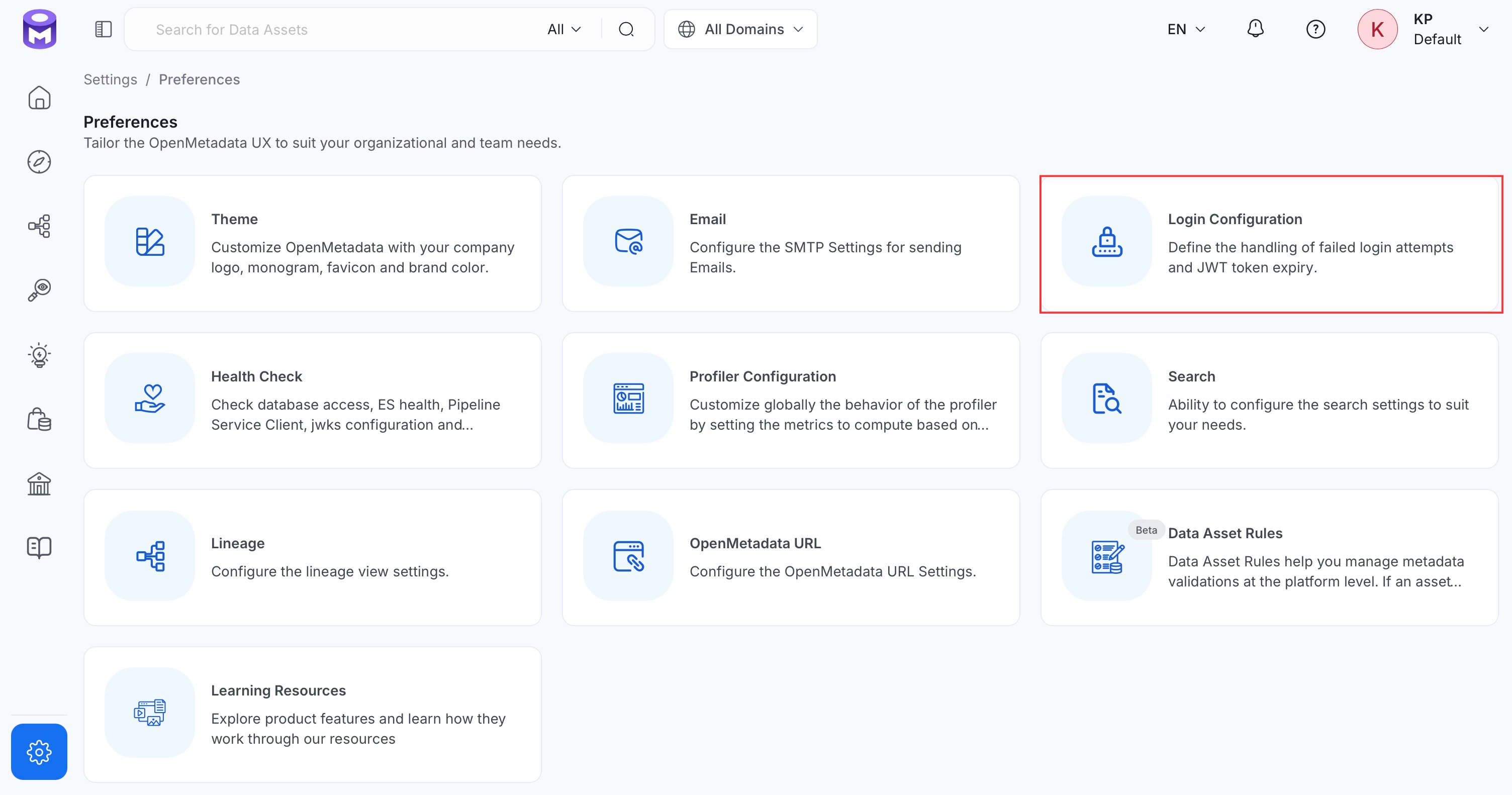
1. Navigate to **Settings** > **Preferences** > **Login Configuration**.
 2. Click **Edit**.
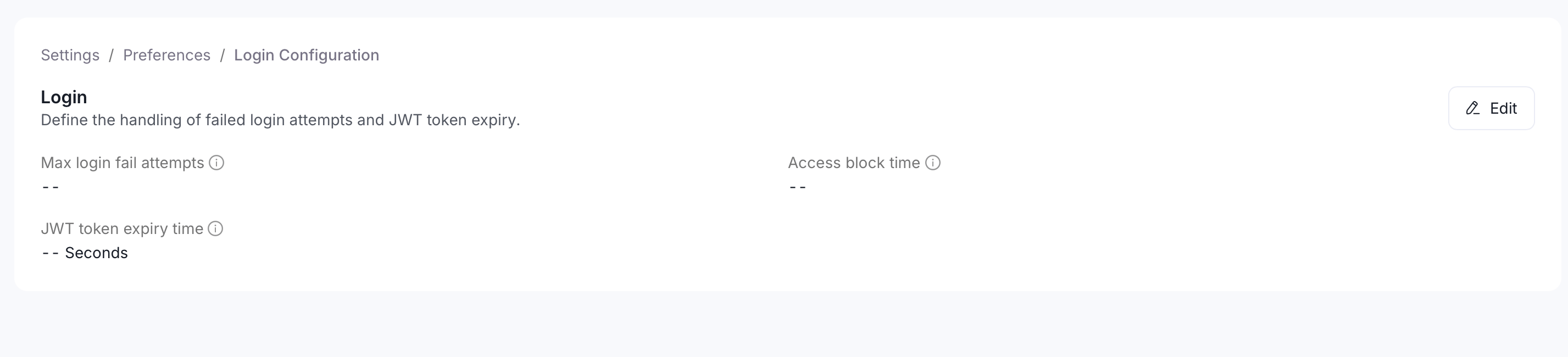 3. Set the following fields:
* **Max Login Fail Attempts**: Number of consecutive failed login attempts allowed before the account is temporarily blocked. Default: `3`.
* **Access Block Time**: How long, in seconds, an account stays blocked after exceeding the max failed attempts. Default: `30`.
* **JWT Token Expiry Time**: How long, in seconds, a login session token remains valid before the user must sign in again. Default: `3600`.
3. Set the following fields:
* **Max Login Fail Attempts**: Number of consecutive failed login attempts allowed before the account is temporarily blocked. Default: `3`.
* **Access Block Time**: How long, in seconds, an account stays blocked after exceeding the max failed attempts. Default: `30`.
* **JWT Token Expiry Time**: How long, in seconds, a login session token remains valid before the user must sign in again. Default: `3600`.
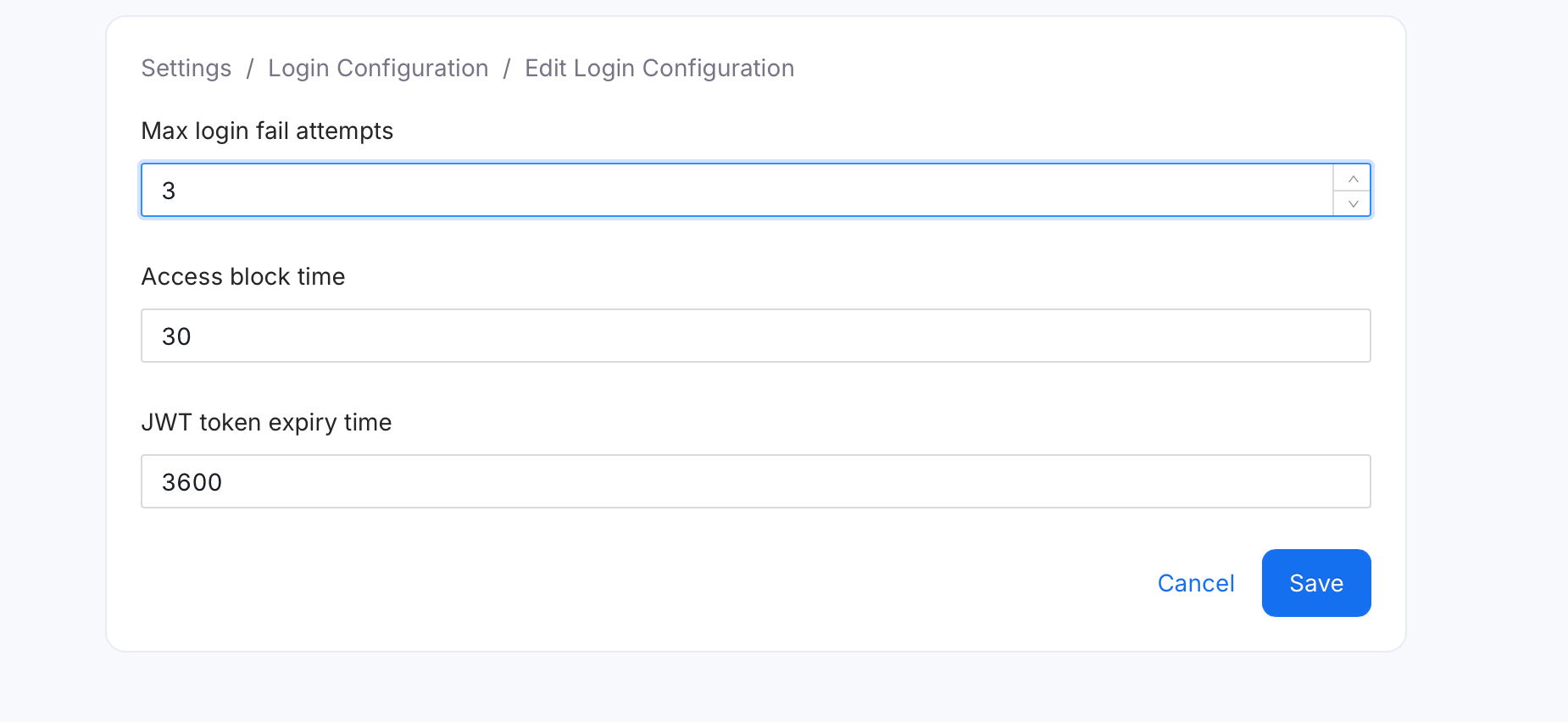 4. Click **Save**.
Changes to Login Configuration can take a few minutes to take effect across the platform.
4. Click **Save**.
Changes to Login Configuration can take a few minutes to take effect across the platform.