> ## Documentation Index
> Fetch the complete documentation index at: https://openmetadata-docs-release-watchers.mintlify.site/llms.txt
> Use this file to discover all available pages before exploring further.
# Ontology | OpenMetadata Data Governance
> Turn your glossary into a governed semantic model with Ontology Studio, and project it — with the rest of your catalog — into a queryable knowledge graph.
# Ontology
A glossary gives your organization agreed names and definitions. An **ontology** goes further: it records how those concepts relate — what is part of what, what is calculated from what, what is regulated by what — in a form software can act on.
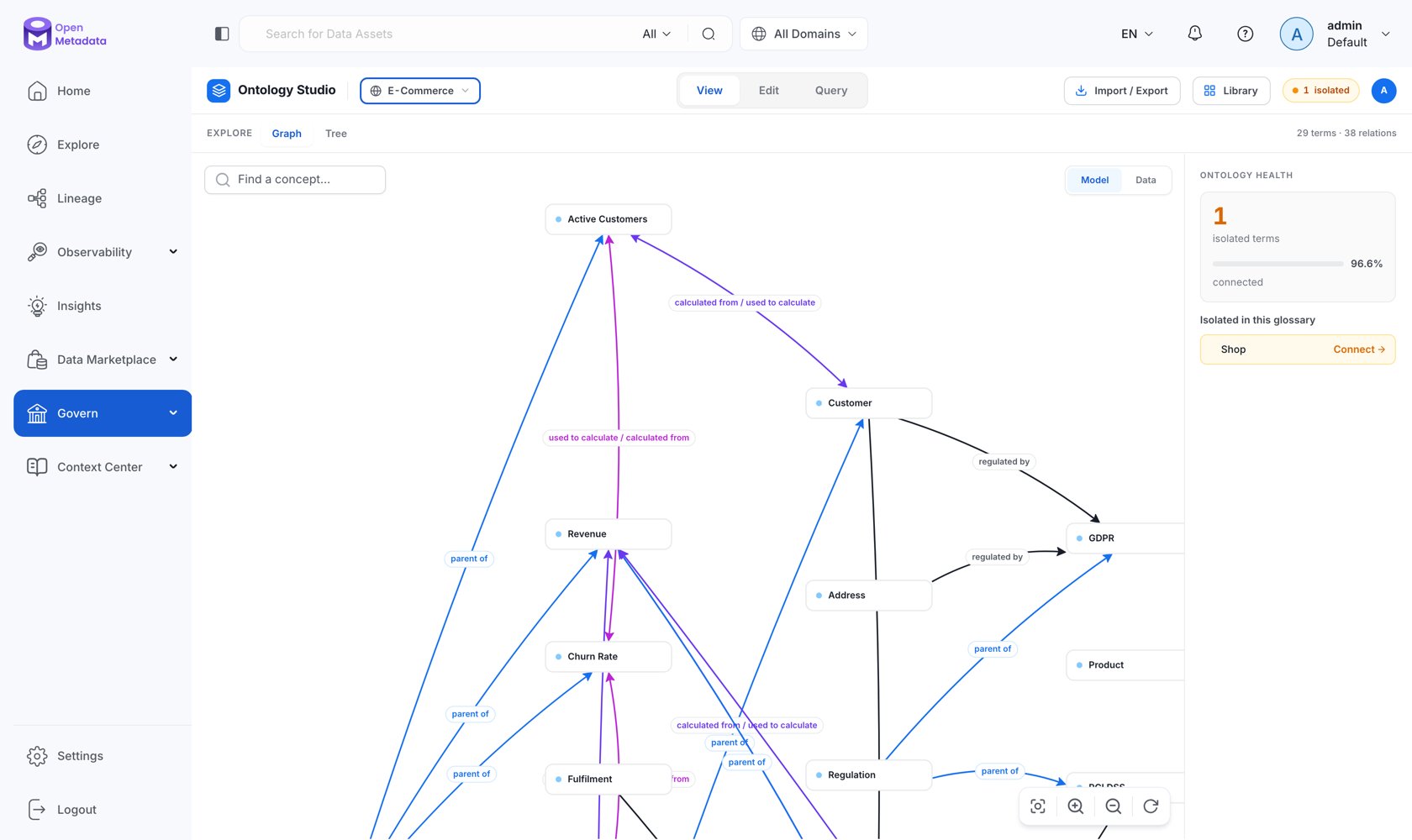
In OpenMetadata the ontology is built directly on the glossary you already have. Glossary terms become **concepts**, term relations become **typed relationships** backed by OWL/SKOS predicates, and the whole model can be authored, queried, imported, and exported from **Ontology Studio**.
Open it from **Govern → Ontology Studio**.
 ## Where the Documentation Lives
The full guide is in its own section:
What an ontology is, why it matters in the AI era, and how OpenMetadata implements it.
Concepts, relationship types, attributes, axioms, IRIs, and ontology layers.
Explore, author, query, and AI-assist your model.
The whole catalog as one RDF graph you can query with SPARQL.
Govern the vocabulary of edges between concepts.
MCP tools that let an assistant traverse the graph.
## Related
Create and organize the terms your ontology is built from.
Deploy the triple store that unlocks SPARQL, reasoning, and the 3D graph.
## Where the Documentation Lives
The full guide is in its own section:
What an ontology is, why it matters in the AI era, and how OpenMetadata implements it.
Concepts, relationship types, attributes, axioms, IRIs, and ontology layers.
Explore, author, query, and AI-assist your model.
The whole catalog as one RDF graph you can query with SPARQL.
Govern the vocabulary of edges between concepts.
MCP tools that let an assistant traverse the graph.
## Related
Create and organize the terms your ontology is built from.
Deploy the triple store that unlocks SPARQL, reasoning, and the 3D graph.